 ARUP Order Entry Help
ARUP Order Entry Help
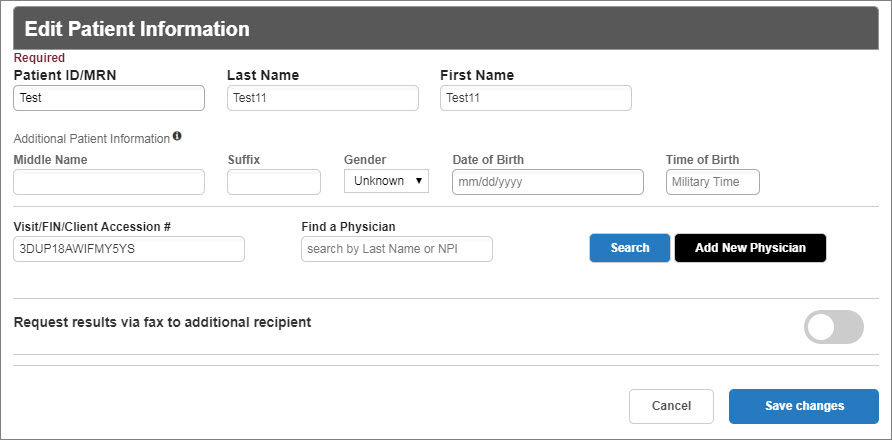
Patient information may be edited in the Order Entry tab, if needed. Click the Edit button to open the edit information window.

Make the changes as needed and click Save. To close the window without saving changes, click Cancel. See Register Patient for specific instructions.
Note: You will not be allowed to change the patient demographics for a visit on which orders have been sent to ARUP.

Contact Client Services or create a new visit to edit the patient information.