NY Approved Tests Help
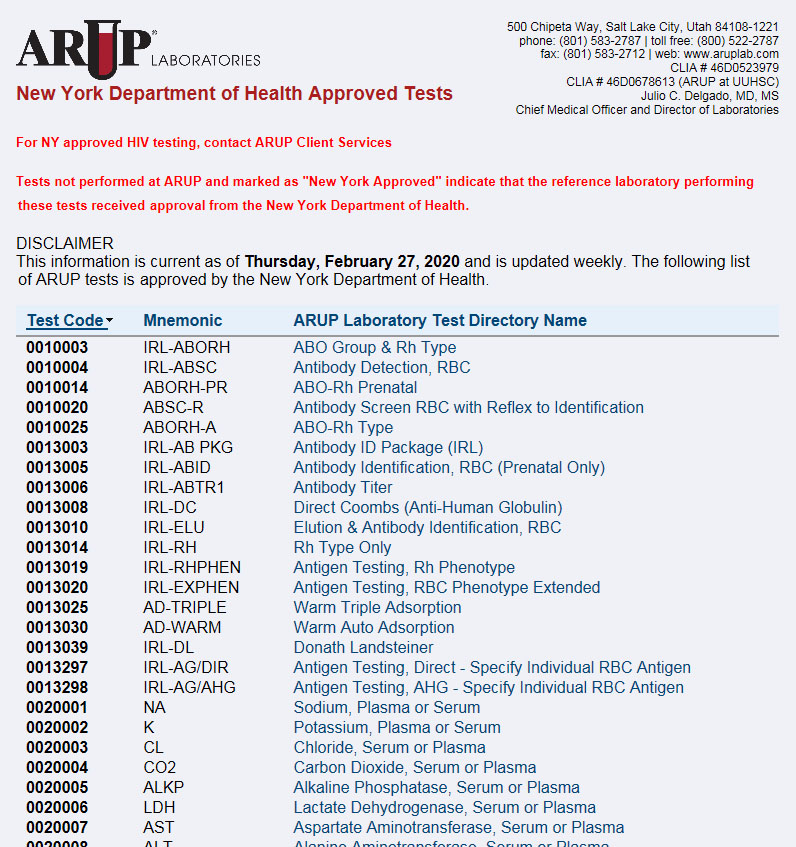
With the NY Approved Tests application, you can search for a specific test to determine if it is New York approved, or you can view a list of all New York approved tests.
To access NY Approved Tests, go to Order Management > NY Approved Tests
 Search for a test
In the Test Number or Mnemonic
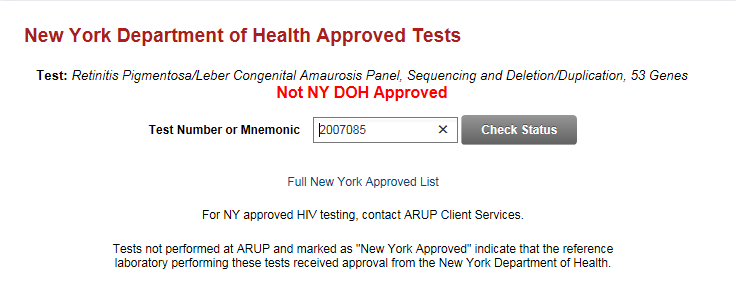
field, type the number or mnemonic of the test, and select Check Status  . The test
number and name are displayed along with a "NY DOH Approved" or "Not
NY DOH Approved" message.
. The test
number and name are displayed along with a "NY DOH Approved" or "Not
NY DOH Approved" message.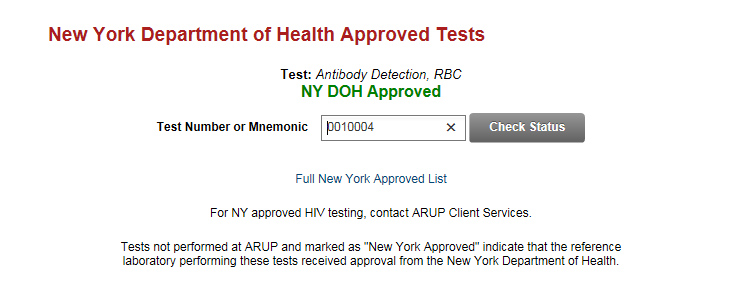
Note: Contact ARUP Client Services for information on New York approved HIV testing.
View all NY approved tests
To view a list of all tests that are NY Approved, select Full New York Approved List.
- Select a test name to view the online test directory entry for that test.
- Sort the list by test code, mnemonic, or test name by selecting the column headings.
- To print the list, select File > Print.